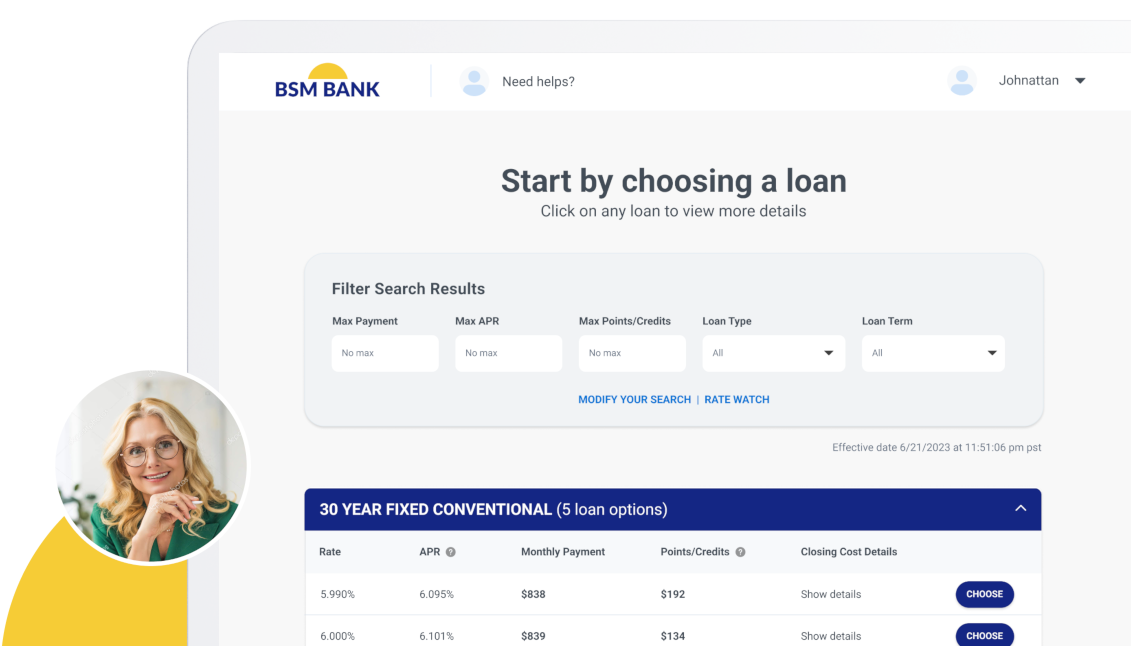


Credit Card Payment Links in Borrower Dashboard
Lender admins can now create loan conditions that include a credit card payment option linked to the configured payment vendor across all loans. When this payment type is selected for a loan condition, borrowers will see a “Pay Now” button within their dashboard that opens the payment vendor’s page in a new tab or window, allowing payment by credit card directly from the borrower portal.
Encompass Enhanced Conditions Integration
Support for Encompass Enhanced Conditions enables real-time, structured synchronization of loan conditions between Encompass (LOS) and the POS for lenders with Enhanced Conditions enabled. Conditions added or updated in Encompass now appear in the POS with details such as name, type, due date, and fulfillment status. Borrowers can view outstanding conditions and upload documents directly in the POS, while loan officers can monitor fulfillment progress instantly. Document uploads completed in the POS update condition statuses and documents in Encompass automatically, ensuring conditions remain aligned across both platforms.