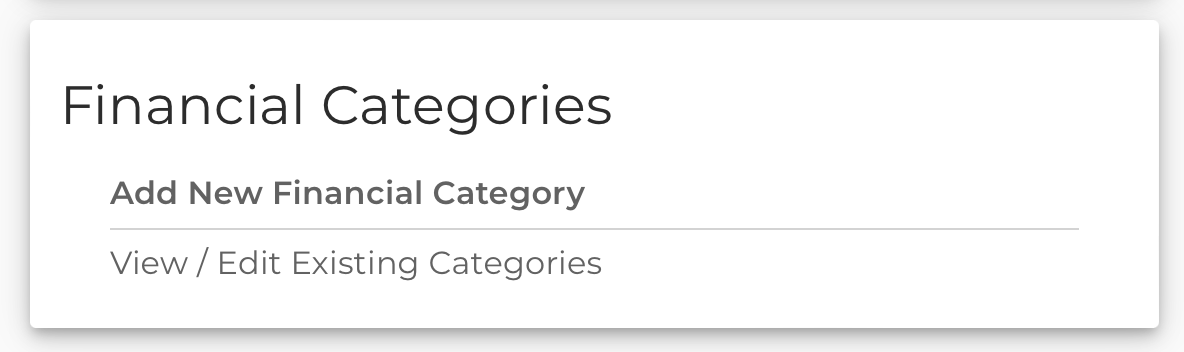


Tenant Financial Categories
This release brings a previously teased feature for our Financial Document beta users, Tenant Financial Categories.
As of this release, we now offer the ability to set up your own custom Financial Categories. This will allow you to adjust, expand, or limit the categories available after validating financial data, which will make it easier to categorize specific line items (or groups) to your report values.
Note, that this is currently only available to configure from the FlashSpread admin perspective, so make sure to speak to your Support, or Implementation contact to set up your own custom categories. As the beta continues, we’ll make this feature fully available to you so that you can add, edit, or delete custom categories as you see fit on your own.
Financial Category Auto-Suggestion
Here’s another treat for you Beta clients! We’ve also added some automation around financial categories. This will make it easier for spreading similar financials and maintaining your organization’s categorization defaults.
Example Time:
Let’s assume you have two financials. You upload the first with a line item Sales Earnings, and categorize that under the Sales category. Now, if you upload the second with another line item also called Sales Earnings the system will automatically categorize it under Sales for you. Magic🪄⭐!
It doesn’t stop there, we will also be able to suggest based on approximate matches. For example, we’d suggest Sales for Sales, or Sale Earnings. The suggestions will get better the more you categorize and correct any incorrect suggestions. Feel free to combine this with your own Custom Categories and you’ll be on your way to seamless Financial Document categorization!
Teaser
Along with everything that is in this release, we are also working hard to roll out Subcategorization soon! This will let you add Child financial categories for even easier categorization. So stay tuned for that 😉.
Thank you again to all clients taking part in the beta and helping us battle-test our Financial Document flow. If you want to be a part of the beta, please reach out to your Support or Implementation contact, or email felipe@flashspread.com.
Fixes and Improvements
We didn’t just release Financial updates this cycle, take a look at what else we fixed and improved:
- You can now view Statement Detail rows when editing a report field.
- Fixed individual cashflow not exporting to excel properly.
- Fixed auto-refresh validation on 1040 forms.
- Optimized the Entities index list for faster loading of all entities.
- Optimized the Edit Deal Borrowers section when viewing a deal for faster loading.
- Exposed a new setting to order Document Year Cards by ASC or DESC order, speak to your Support contact if you wish to change your order. Default is ascending, ie 2018, 2019, 2020.
- Fixed an error in Widget v2 preventing schedules from being removed.
- Fixed an error in Widget v1 preventing option parameters from being recognized properly.